

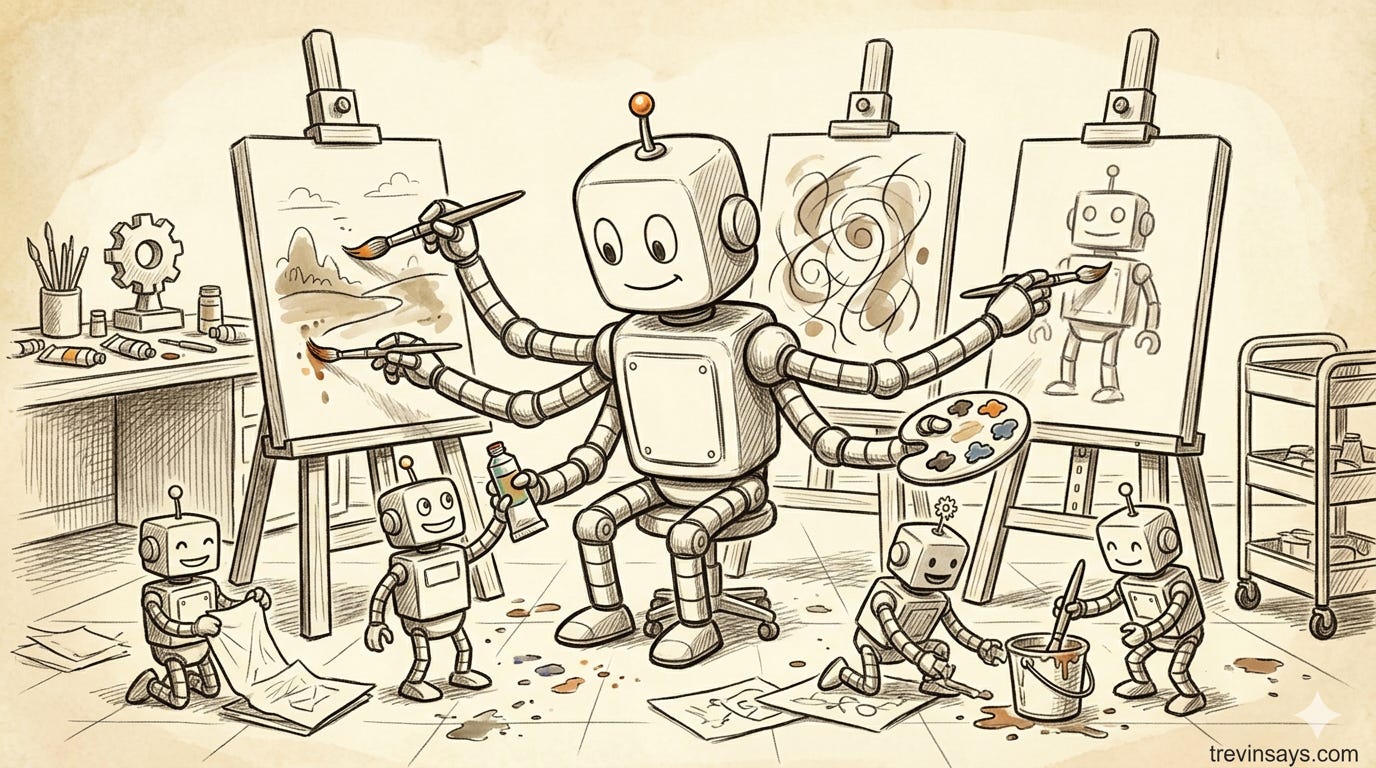
Somewhere in the shift to building with agents, the friction moved. Implementation got faster. The decisions before implementation — what to build, which direction to take, what it should look like — didn’t. When you can build fast, you get to the wrong direction fast too. Rebuilding the code is cheap. What isn’t cheap: the plans built around it, the user experiences already shipped, the competitive time spent while you corrected course.
Product discovery, design thinking, prototyping: all of it developed because building was the bottleneck. Now the bottleneck moved. The upstream thinking has to be better, not because rebuilding is hard, but because what gets built around the wrong direction can’t simply be rewritten.
The phase that absorbs that pressure most directly is design exploration. It’s where I’ve been spending most of my thinking lately.
Design thinking exists because humans converge too early
Design thinking, in its more rigorous forms, is a human-centered problem-solving orientation. It starts with people: what do they need, what problems are they experiencing, what assumptions are we carrying that might be wrong? This inverts the usual approach, which starts with what’s technically possible and looks for a problem that fits.
IDEO’s model, the Design Council’s Double Diamond, and Stanford d.school’s model share a common structural rhythm: expand thinking before narrowing it. Discover broadly before defining the problem. Generate options before committing to one. The process isn’t linear; teams loop back, revisit, run phases at once. What the structure is compensating for is a specific tendency: humans grab the first plausible direction and commit. Designers call this premature convergence. You pick the path that feels viable, start building, and only later discover there were better answers you never considered.
These frameworks build in structured divergence before convergence happens: research, ideation, prototyping. Convergence, when it comes, requires human judgment. There’s no formula for when to stop expanding and start narrowing; that’s a call made by people with context, experience, and stakes in the outcome.
What they can’t change is the time. Running divergent exploration takes days or weeks. Each additional direction worth evaluating costs real attention from real people. So exploration gets cut short, not because you don’t want to explore, but because each alternative has a price.
The convergence problem with AI
If you’ve tried using AI for design exploration, you’ve probably noticed that it gives you variations on a theme. Ask for six approaches and you get a default direction with six adjustments: the visual treatment shifts, the color palette changes, but the interaction model stays the same.
This isn’t a model limitation. It’s a sequencing problem. When an AI generates options one after another, each generation borrows from what came before. Option B has read Option A. Option C has read A and B. By Option D, you’re iterating on a trajectory, not exploring a space. You get convergence dressed as variety.
One thing I’ve been playing with is to impose deliberate isolation: parallel agents working from independent briefs, with no knowledge of what the others are doing. Not one model generating sequentially, but separate agents pursuing separate directions. What comes back isn’t variations on one idea — it’s independent answers to the same design question.
Creative divergence doesn’t happen automatically with AI, any more than it does with humans; it has to be structured in.
What current models can actually do here
The assumption that AI is bad at design is outdated. The latest frontier models, prompted well and given the right task, perform well with UX and visual design. Where AI falls short is final design judgment: choosing what’s right for a specific user in a specific context, with the taste and experience that judgment requires. In the exploration phase, though, being right isn’t the goal. Interesting, distinct, and functional enough to evaluate are the goal. Current models can meet that bar in ways they couldn’t even 6 months ago — Opus 4.6 and Codex are pretty damn good at it.
Building an interactive prototype has gotten easier. Everything around it — hosting it, sharing it, ensuring it holds up when someone actually sits down with it — hasn’t. That overhead makes early exploration impractical: you end up prototyping the direction you’ve already committed to, not the five you’re still deciding between.
You steer it, it steers you back
Before I see the options, I have intuitions about what a design should do. After working through an exploration, those intuitions look different. Some were wrong in ways I wouldn’t have caught without seeing the alternatives. Some were right, but for reasons I understand better now. A few I didn’t expect at all.
Design exploration doesn’t just show you more options. It changes the question you were asking. Seeing six independent approaches to the same component is different from imagining them. You’re evaluating how something feels to interact with, not how it looks in a static comp. That produces different feedback, and it surfaces different problems.
Design exploration is an input, not an output. Paired with a PRD or a brainstorm, it becomes something more useful than either alone. The brief shapes what you ask agents to explore. What they surface reshapes the brief. The value isn’t in the files; it’s in what the exercise does to your thinking before you commit.
A skill for design exploration
I’ve been building a Claude Code and Codex plugin — iterative-engineering — as a place to work these ideas out. The design exploration skill is where the parallel divergence approach takes concrete form. The plugin covers the full engineering lifecycle: brainstorming, research, design exploration, tech planning, implementation, review. Each skill works standalone; you don’t need the whole pipeline to run design exploration.
The skill implements parallel isolation directly. You describe a problem — a component, a page, an MVP — and it runs multiple agents simultaneously, each working from its own brief with no visibility into what the others are producing. Each agent builds a complete, functional HTML prototype. The whole cycle, from text description to interactive gallery, takes one conversation turn. They all come back — 6–8 variations — and you have several things that don’t look like each other.
This isn’t only useful for designers. Engineers use it to understand UX implications before committing to an implementation. PMs use it to ground a requirements discussion in something concrete rather than a text description that could map to a dozen different interaction models.
Under the hood: one agent per variation, working in full isolation. The orchestrator never reads variation output — an assembly script combines the files into the final gallery HTML. The separation serves two purposes: context protection (six full variations at once would overflow the orchestrator’s window) and genuine creative independence (agents can’t unconsciously borrow patterns from each other).
By default the skill explores interaction divergence — different ways the thing works, not different color schemes. Variations share a clean professional treatment; what diverges is the underlying interaction model. You can shift to visual divergence for brand or landing page work, but for most component and feature exploration, seeing how something works is more useful than seeing how it looks.
Each variation comes with 4–8 built-in design controls — sliders, dropdowns, toggles — that let you explore decisions within a single approach without generating a whole new variant. The strategy doc draws a useful line here: every control has to produce a visible difference. Toggling from compact to spacious density reshapes the whole layout — that’s a design decision. Nudging shadow opacity from 6% to 8% is parameter tweaking, not exploration.
The single-file format and rating approach came from my friend Kalid — he runs Better Explained and had been exploring this same idea for awhile. I extended on his original idea and took on figuring out how to make it work as a repeatable skill: orchestrating parallel sub-agents, reliably assembling their output into a coherent artifact each time, and wiring it into a workflow that could stand alone or sit inside a larger pipeline. Spoiler: it was much harder than I expected 😀
Here’s what one output looks like for a project I’m working on where I wanted to explore different global navigations on desktop and mobile:
The skill features a few things that I’ve found very useful:
Rate and annotate. Each variation has a built-in rating interface — 1–5 stars, optional text notes. Flip between approaches, rate what landed, skip what didn’t, note what you’d change.
Iterate with a paste. When you’re done rating, the skill produces a structured feedback block. Paste it back into Claude Code or Codex and it triggers another round — same problem, refined against your feedback. In practice I’ve typically gone 2–5 rounds before I’ve seen enough.
Converge to a doc. When you settle on a direction, one more paste produces something different: a design exploration document. It records what was chosen, what was explored, and why the alternatives didn’t make the cut — which prevents the same approaches from resurfacing in every future conversation.
One file, every time. Each exploration is a single self-contained HTML file. Share it as an attachment, commit it to the repo, open it anywhere. No server, no deployment.
The agents expand what you’re choosing from. What you choose, and why, is still entirely yours. Still evolving — try it, play with it, and let me know what you find.